
This weekend we updated M51 AI to version 2.0. You'll notice the biggest change as soon as you log in: a new workspace where everything sits in one menu, and Nova is always one keystroke away. We've also added four new channels, given Nova more tasks it can do for you, and made Tasks easier to work in.
Your agents, figures and connections are the same. You don't need to do anything to start using it, and as before, nothing happens until you say yes.
Everything in one place. Nothing to hunt for.
The top menu is gone. Agents, reports and tasks sit in one calm sidebar, and the profile menu at the bottom has appearance, language and 'Log out'. The whole app has a new design in light and dark themes. That applies on your phone too, where the menu is a tab bar at the bottom with 'More' for everything else.
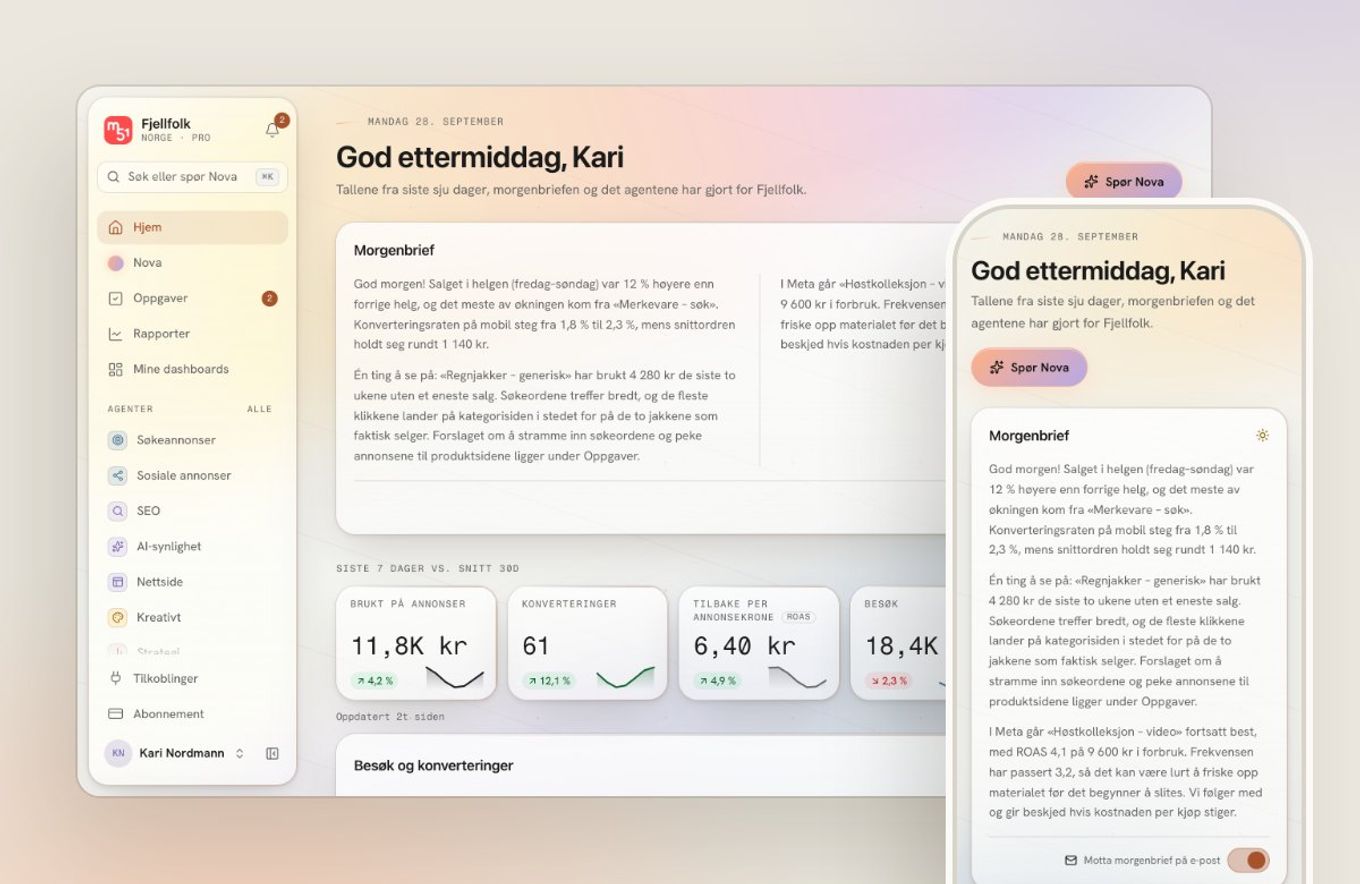
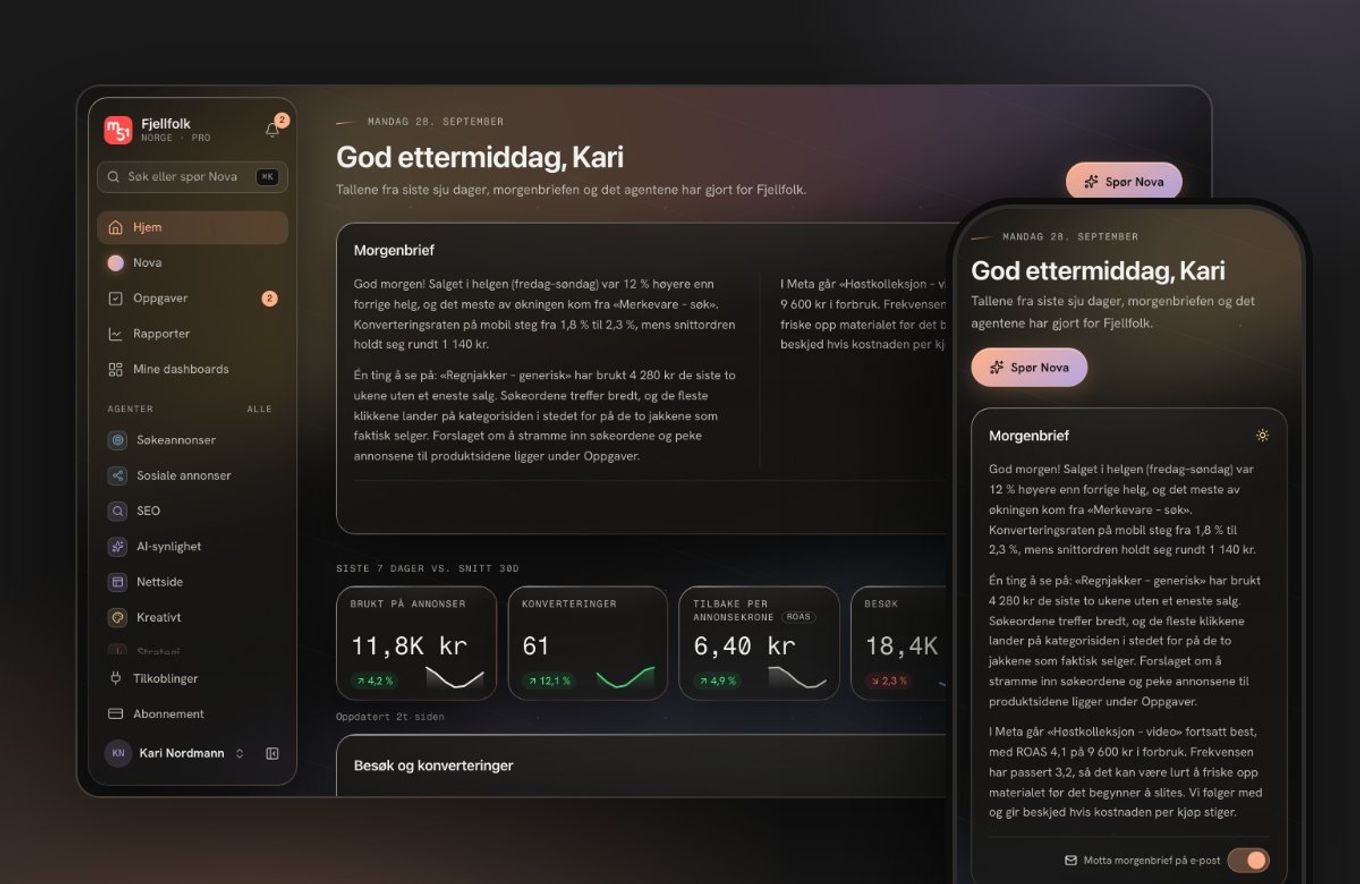
The agents have also been named after what they do. The first time you log in, a welcome card shows what has moved.
Ask Nova from anywhere
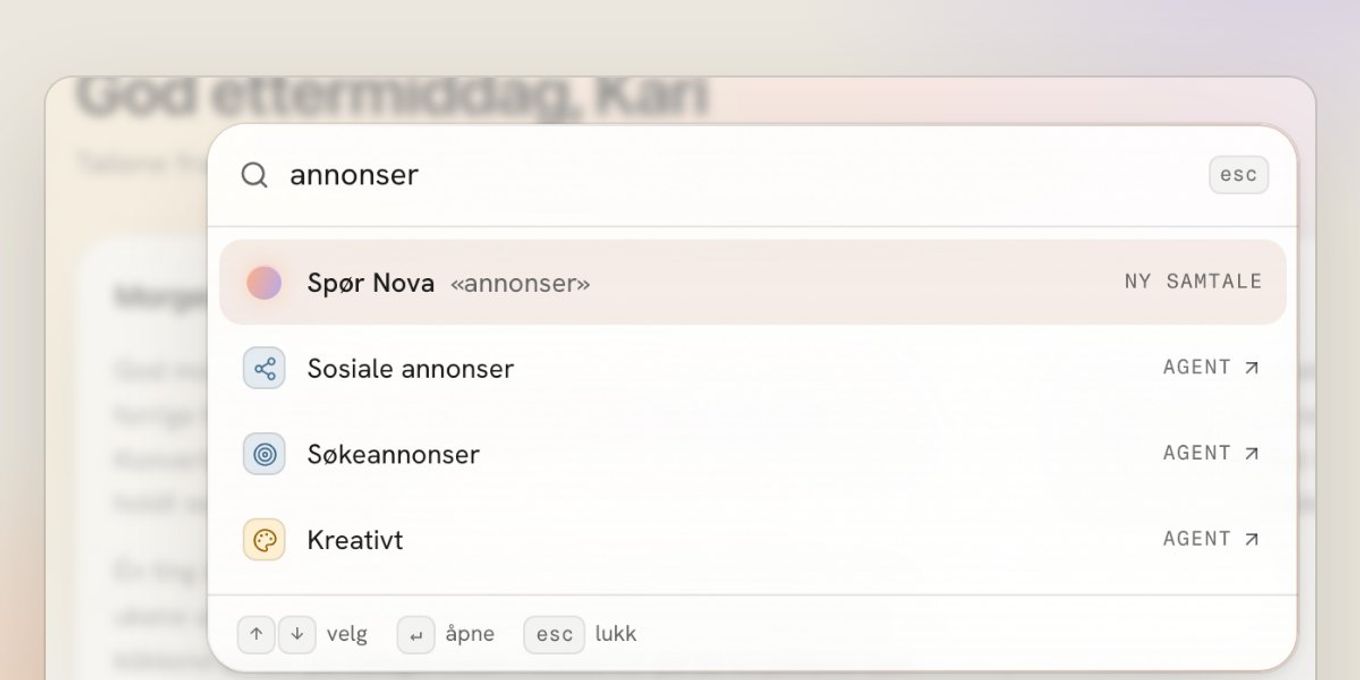
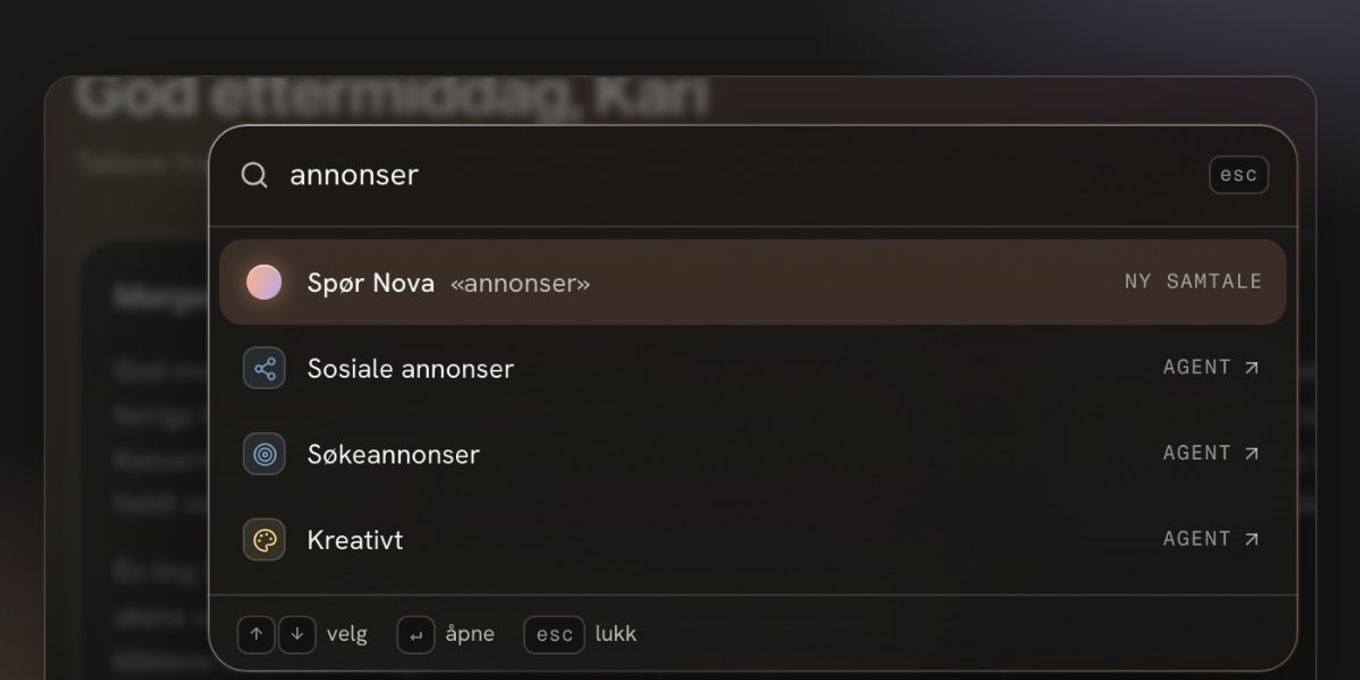
At the top of the menu there's a new field: 'Search or ask Nova'. Ask a question about your numbers, or jump straight to a page or agent, wherever you are in the app. You don't need to know where something is to get there.
Nova now runs on Claude Opus 5.5, fetches fresh data every time you ask, and states clearly what has been done and what has been checked afterwards. An ad suggestion from Creative can be edited and published right in the chat, and image and video generation picks up where it left off if something is interrupted along the way.
Four new channels you connect yourself
Snapchat and Webflow are new in M51 AI. LinkedIn and Microsoft Ads can now do the same as Google and Meta. You connect them yourself, and you decide whether Nova can make changes. Every change waits for your yes.
Meta has also gained scheduled budget management, ads in two formats covering all placements, and a guard that checks the right conversion event is selected. In GA4, Nova can now see e-commerce at product level.
The agents find what needs doing, prepare the change and check afterwards that it worked. You say yes or no.
Also new in 2.0
See what the agents would do for you
Already a client? Log in and a welcome card will show you what's new. You don't need to do anything. To learn more about how we work with AI in marketing, see the service page.

